WebSocket Tester
The project includes a ready-to-use WebSocket client interface: ws-tester.html.
This tester helps you quickly validate a TIC2WebSocket instance without having to develop a dedicated client.
Role in the project
Use the tester to:
- verify that the WebSocket server is reachable,
- discover available TIC streams,
- generate valid JSON requests for the main API commands,
- inspect incoming responses/events in real time,
- reproduce integration issues while troubleshooting.
Open the tester
Open ws-tester.html in your browser.
By default, it targets ws://localhost:19584/.
You can prefill the connection using query parameters:
- full URL:
?url=ws://localhost:19584/(aliases:wsUrl,ws) - host/port:
?host=localhost&port=19584(host aliases:address,addr)
Main usage flow
-
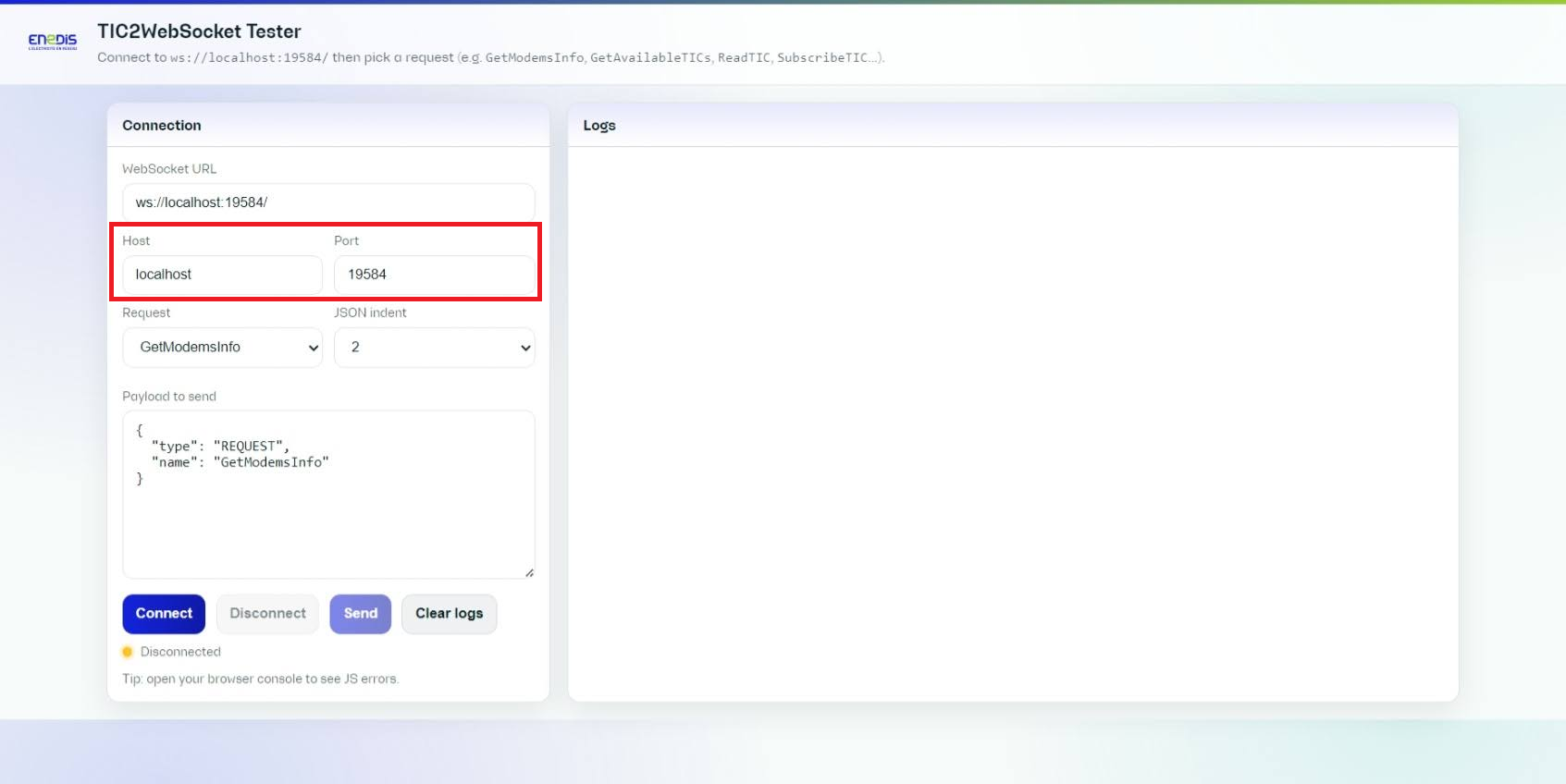
Check the default target URL or adjust the host/port if needed.
-
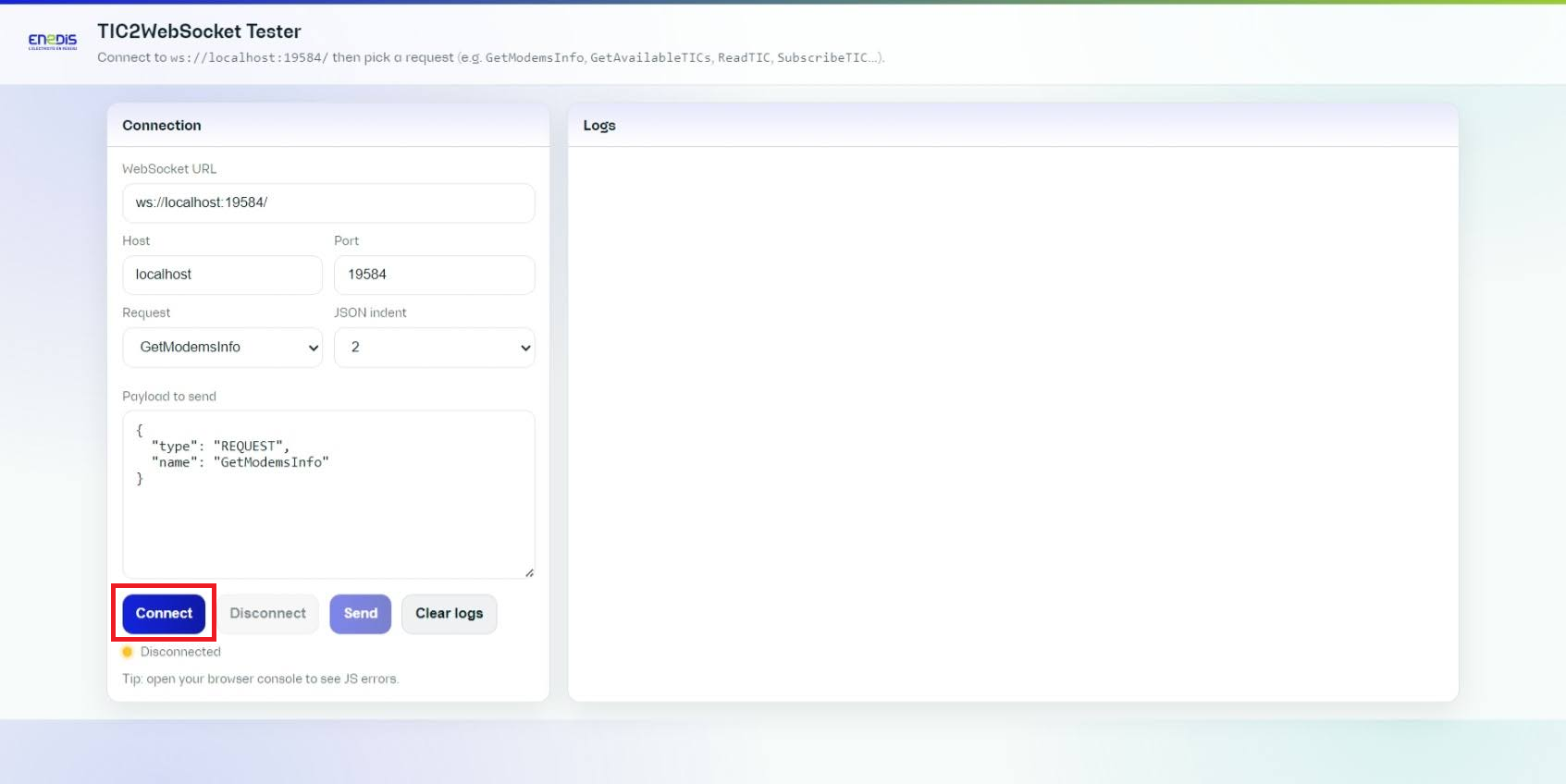
Click Connect to open the WebSocket session.
-
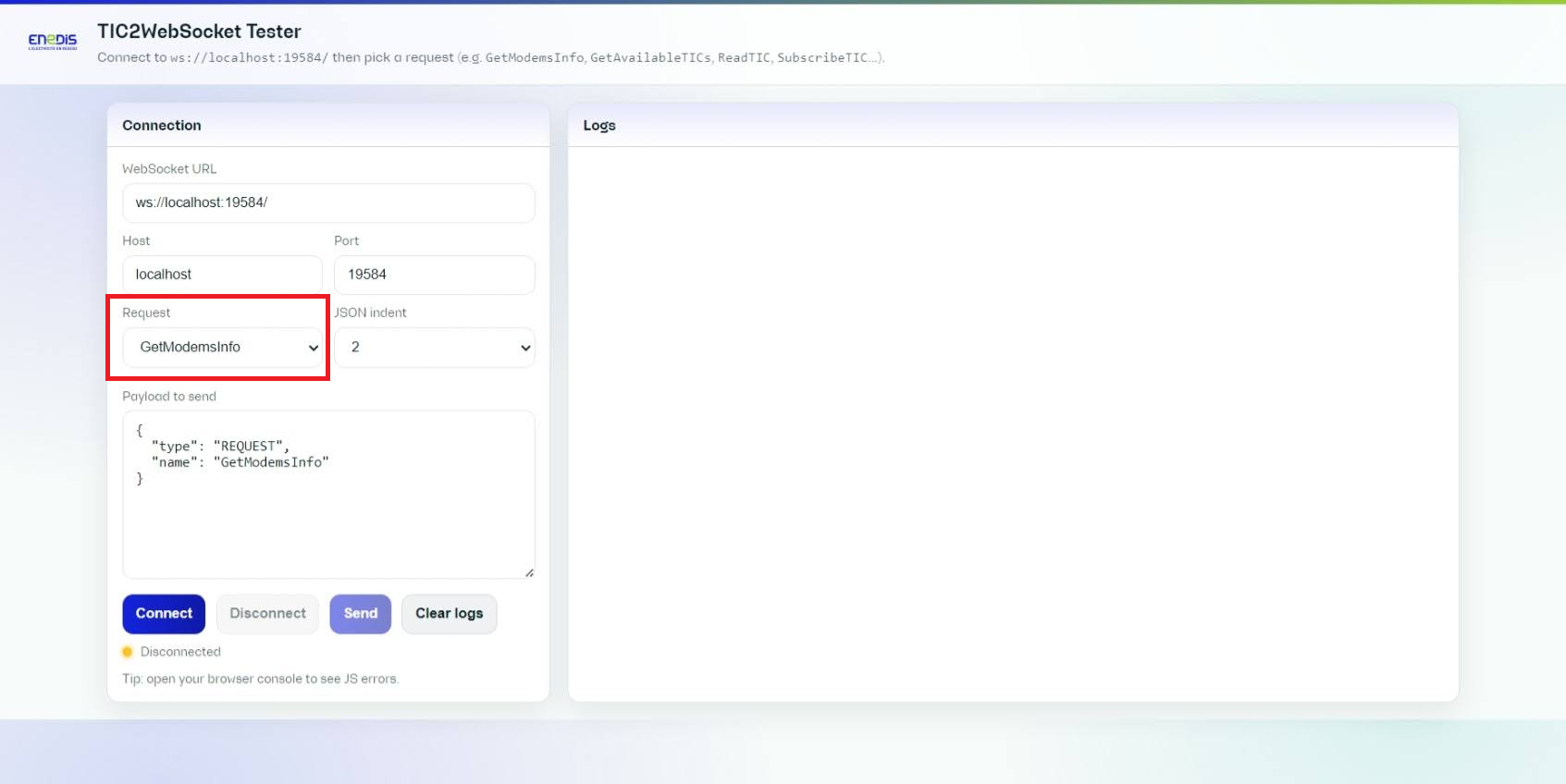
Choose a request preset from the dropdown list.
-
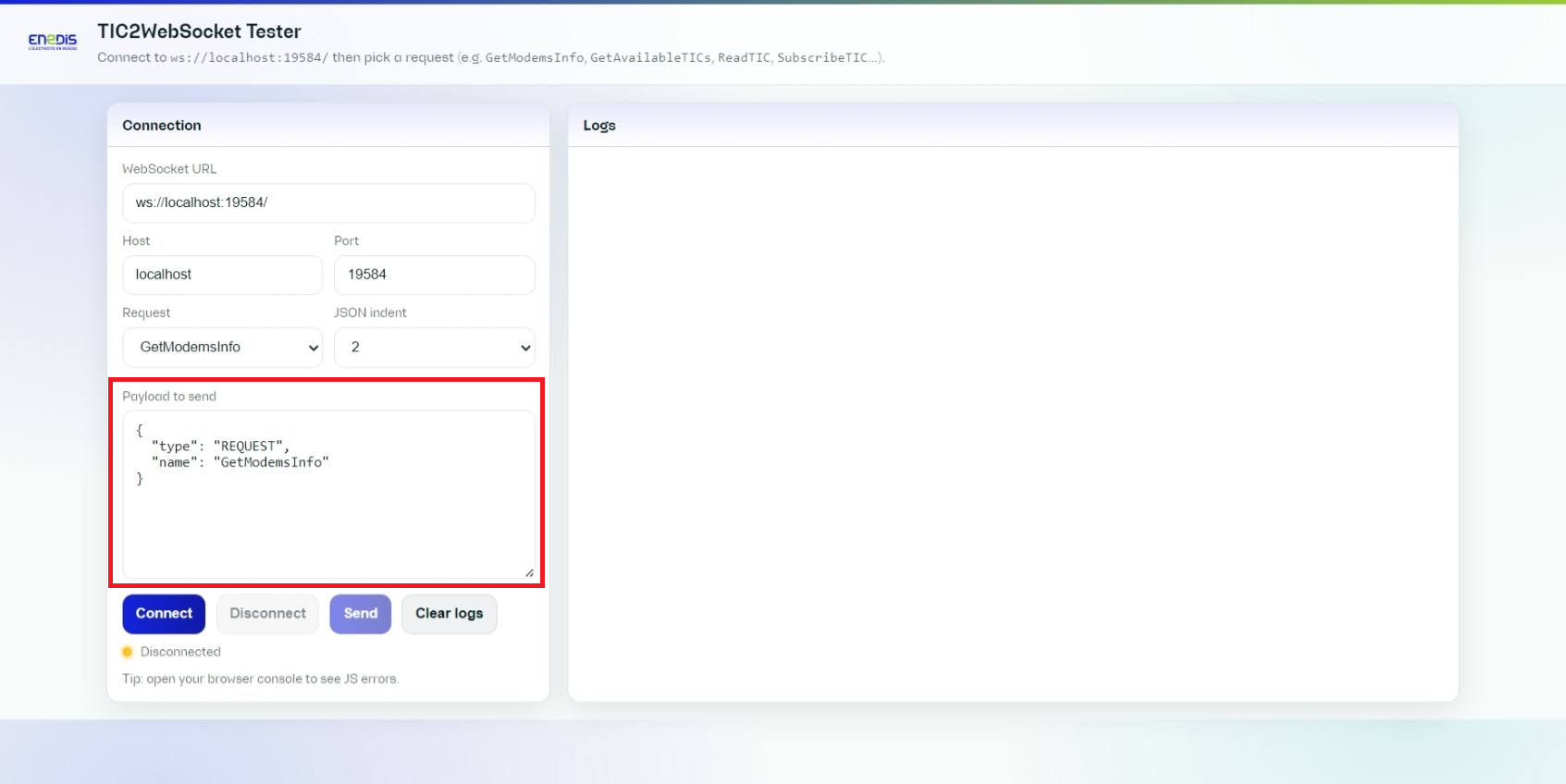
Check the generated JSON payload before sending it.
-
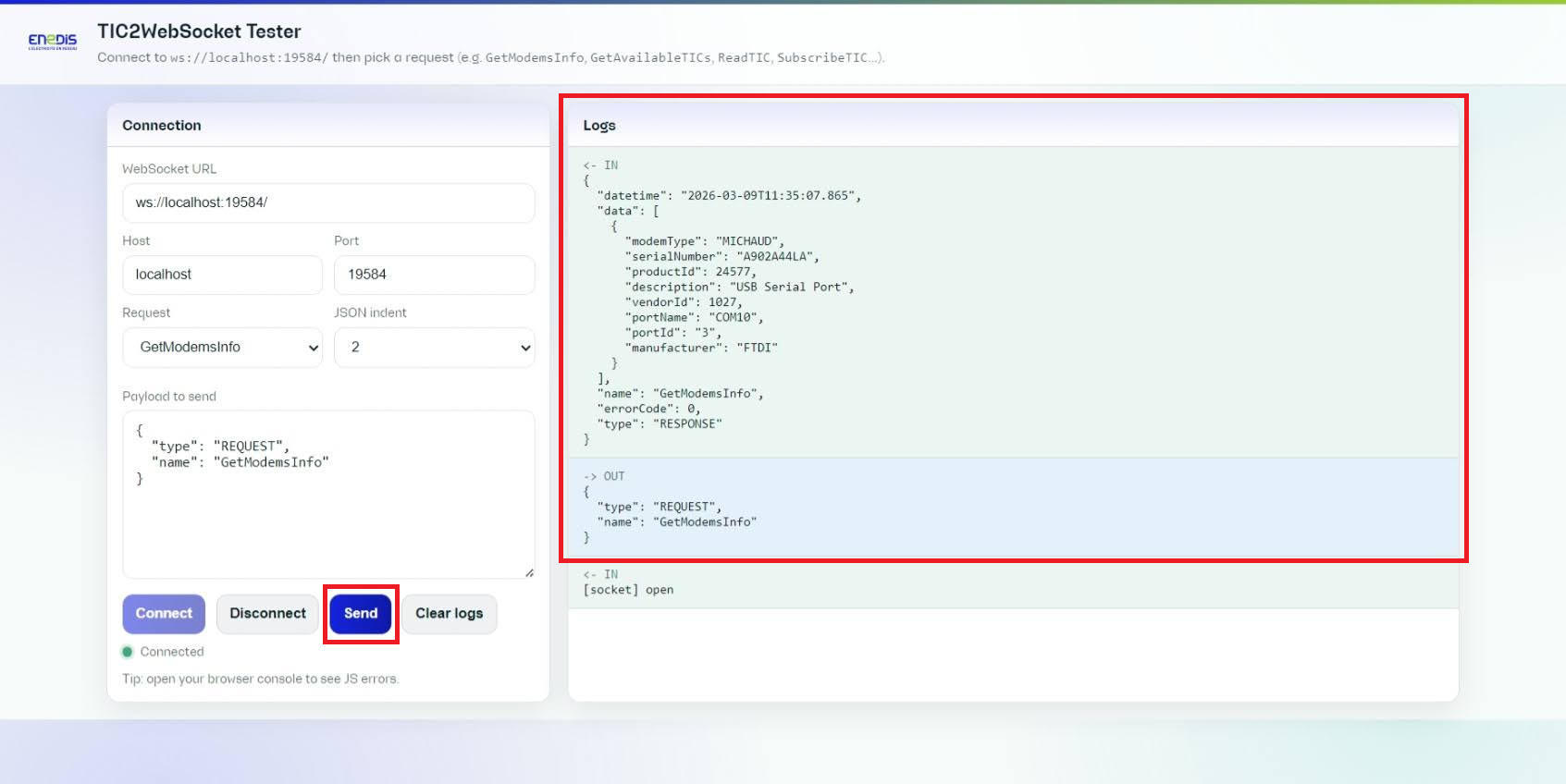
Click Send and watch the logs panel to inspect the request/response flow.
-
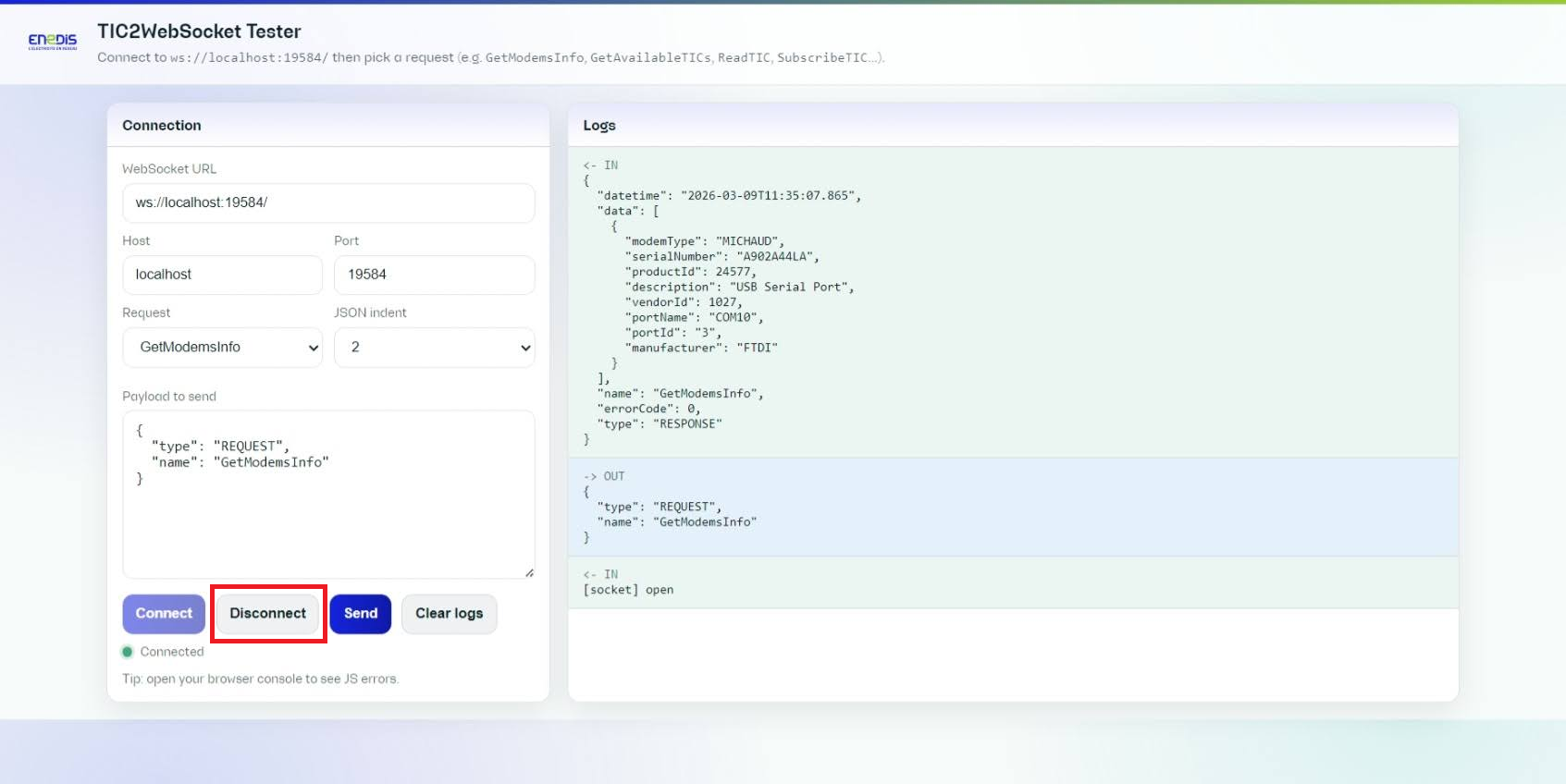
Click Disconnect when the test session is finished.
Request presets and identifiers
Available presets:
GetModemsInfoGetAvailableTICsReadTICSubscribeTICUnsubscribeTIC
Identifier fields are optional except for ReadTIC, which requires an identifier.
Priority rule applied by the tester:
serialNumberportIdportName
When a higher-priority identifier is active, lower-priority fields are automatically disabled.
For SubscribeTIC / UnsubscribeTIC:
- no identifier selected -> the request applies to all streams,
- one identifier selected -> the request targets that stream.
When receiving a GetAvailableTICs response, the tester automatically fills identifier fields using the first returned entry.
Logs and diagnostics
- OUT lines: JSON sent by the client.
- IN lines: messages received from the server.
- ERR lines: client-side validation errors or socket errors.
EVENT messages are grouped by event name + identifier to keep logs readable in stream mode.
Best practices
- Start with
GetAvailableTICsbeforeReadTIC/SubscribeTIC. - Keep JSON indentation at
2for easier debugging. - Use Clear logs before reproducing an issue.
- Keep useful request/response pairs when reporting a problem.